.svg)
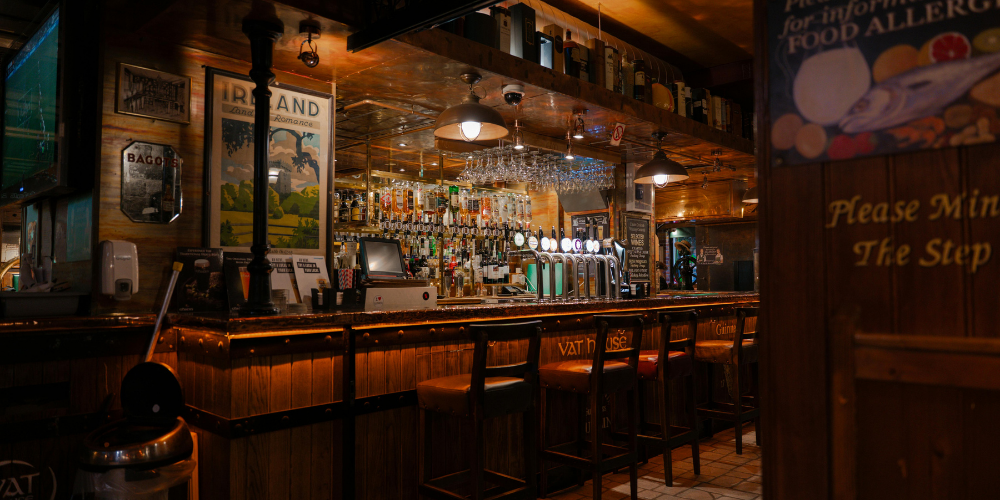
A good POS setup should make pub service faster, stock control clearer, and day-to-day pub management less stressful.
For pubs, bars, taprooms, inns, and restaurants in the UK, it's crucial to have a system that can handle busy shifts, process split bills, manage staff access, update menus, and provide accurate end-of-day reports.
This guide will help you know what to look for and what to avoid. It shows you how to pick a useful solution without getting distracted by additional features you might not use.
What should aPub POS system actually do?
A pub POS system should do more than process payments. It should help your team serve customers quickly, keep tabs accurate, track stock movement, manage staff access, and give owners or managers a clear view of trading performance. In a busy UK pub, the best pub pos systems support the way the venue actually works: quick drink orders at the bar, table service where needed, food add-ons, open tabs, discounts, deposits, and smooth cashing up.
The real value is in reducing friction. If staff have to tap through too many screens to sell a pint, the system is slowing service down. If reports are vague, managers still have to spend time in spreadsheets. If stock does not connect with sales, wastage and shortages become harder to spot.
Modern pub epos software can bring these moving parts together, giving you a more reliable picture of what is selling, when your busiest periods occur, and where margins may need attention.
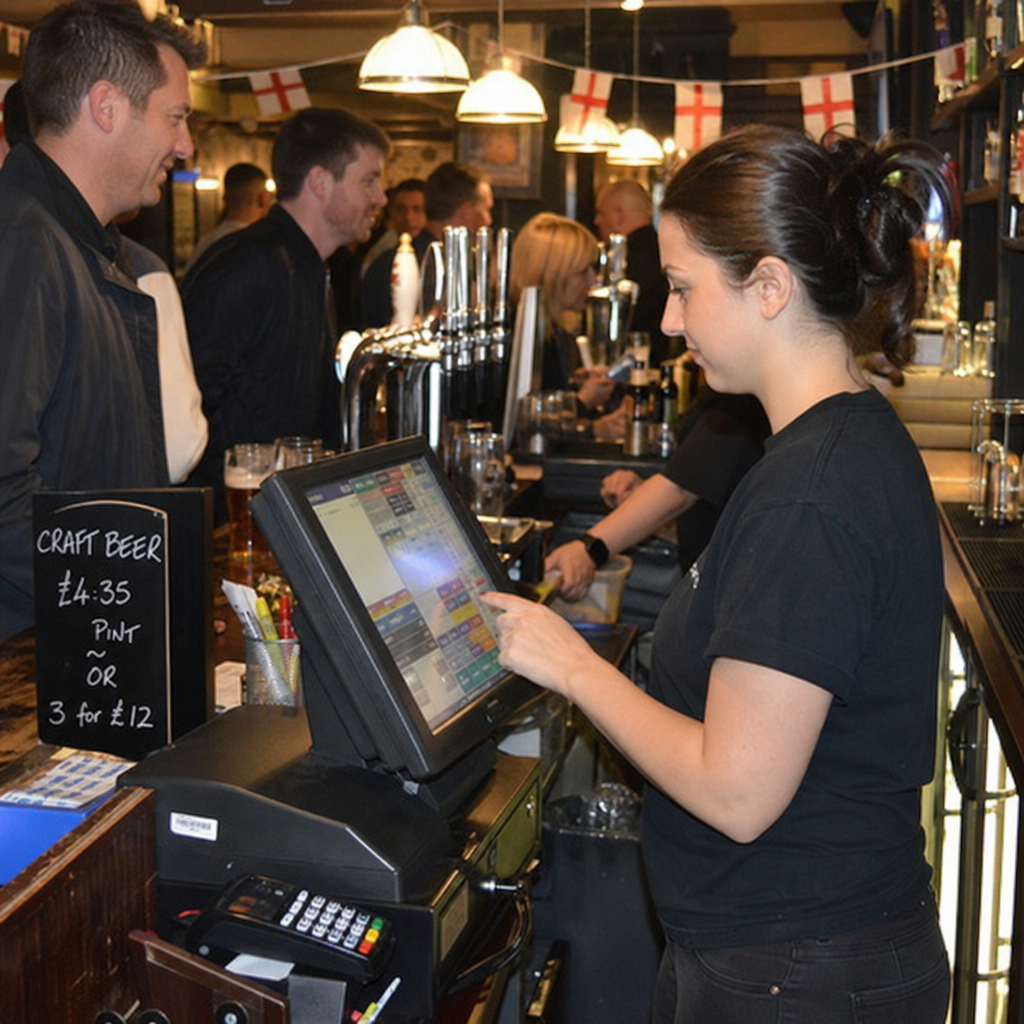
The core POS features that matter in UK pubs
Many bar point of sale systems are on the market, but not every feature is equally useful for every venue. A small village pub may not need the same setup as a multi-room sports bar, yet both need speed, reliability, and clear reporting.
When comparing an epos system for pubs, start with the essentials:
- Fast order entry: Drinks, food, modifiers, and common combinations should be easy to find, even for new staff.
- Open tabs and table handling: Useful for regulars, group bookings, table service, and food-led pubs.
- Stock tracking: Sales should help inform what has been used, what needs reordering, and where losses may be happening.
- Staff permissions: Managers should be able to control refunds, discounts, voids, and cash drawer access.
- Payment flexibility: The system should support card, contactless, cash, and relevant integrated payment options.
- Reporting: Daily sales, product performance, staff activity, VAT-related summaries, and peak trading times should be easy to review.
- Menu and price control: Updating seasonal dishes, guest ales, happy hour pricing, or event menus should not require a technical expert.
This is where purpose-built epos software for pubs often has an advantage over generic retail systems. Bar and pub service has its own rhythm, and your software needs to understand that rhythm.
Hardware still matters behind the bar
Software gets much of the attention, but hardware is what your team touches all day. Poorly placed screens, slow printers, or unreliable card terminals can cause queues and frustration at the worst possible moments.
The right epos tills for pubs should be tough enough for a hospitality environment. They need to sit comfortably behind the bar, cope with spills and heavy use, and remain easy to operate during noisy, crowded service. For wet-led venues, epos tills for bars may need especially fast drink selection, clear category buttons, and simple tab controls.
Think about your physical layout before choosing pub tills. A single small bar may only need one main terminal and a payment device, while a larger venue may benefit from multiple tills, handheld ordering, kitchen printers, or separate bar and restaurant stations. Bar till systems should support your service flow rather than forcing staff to work around awkward equipment.
For many venues, a blended setup works best:
- Fixed tills at the main bar for high-volume drink orders.
- Handheld devices for table service, garden areas, or events.
- Kitchen or prep printers to reduce shouted orders and missed items.
- Integrated payments to minimise errors between the till and card machine.
- Back-office access for managers who need reports without standing at the bar.
Good tills for pubs are not just payment points. They are part of the operating system of the venue.
How do you compare pub EPOS software without getting distracted?
Compare pub epos software by focusing on your service model, not by chasing the longest feature list. The best choice is the one that solves your real operational problems: slow ordering, weak reporting, stock uncertainty, staff errors, or poor visibility across shifts. If a feature does not improve service, control, or decision-making, it may not need to influence your decision.
Before arranging demos, write down what you need the system to handle on an ordinary weekday, a busy Friday night, and a special event. This prevents the comparison from becoming too abstract.
Useful questions include:
- Can staff process common orders in just a few taps?
- Is the software user-friendly?
- Can managers update prices, products, and menus quickly?
- Does the system support food, drinks, tabs, discounts, and service areas in one place?
- Does it have good stock management with easy access to stock levels?
- Are reports clear enough for non-technical managers?
- Does it allow seamless integration with third party apps such as accounting software, QR code ordering, etc ?
- Can it scale if you add another bar, room, garden area, or site?
- What happens if the internet drops during service?
- How easy is it to train seasonal or part-time staff?
Bar epos software should feel practical from the first demonstration. Ask to see tasks that reflect your venue, such as splitting a food bill, adding drinks to a tab, refunding an item, applying a staff discount, or checking best-selling draught products.
Stock, reporting, and better pub management
One of the biggest benefits of pub and bar epos is improved visibility. When sales reporting, product categories, and stock movements are connected, managers can make more confident decisions.
A well-configured pub epos system can help identify which drinks sell fastest, which food items underperform, and when staffing levels may need adjusting. It can also support better ordering by showing patterns over time. For example, if a guest ale sells quickly during certain events but moves slowly midweek, you can plan purchasing more carefully.
Inventory management features are especially useful where margins are tight. While no till system replaces good cellar discipline, accurate product data can help highlight issues such as frequent voids, unusual discounts, or sales that do not match expected stock usage.
Reporting should be easy to understand. Managers should be able to see key information without exporting endless files or waiting until the end of the month. The most useful reports are often the simplest: sales by category, sales by hour, top products, staff activity, discounts, refunds, and payment types.
The customer experience at the bar and table
Customers may never think about your POS, but they feel its impact. A slow till can make a simple round feel painful. Confused ordering can lead to wrong drinks, delayed meals, or awkward bill disputes. A smooth system helps staff stay present, accurate, and friendly.
Bar epos systems can support a better customer experience by speeding up common tasks. Clear product buttons reduce mistakes. Integrated card payments avoid keying in the wrong amount. Table plans and open tabs make it easier to manage groups without losing track of orders.
For food-led pubs, the connection between front of house and kitchen is particularly important. Orders should arrive clearly, with modifiers and notes where required. If your venue serves Sunday roasts, children’s meals, specials, or allergen-sensitive requests, the system should help staff communicate details reliably.
The same applies to events. Quiz nights, sports screenings, live music, and private bookings can put extra strain on service. A flexible bar epos system gives staff the tools to keep queues moving while maintaining accuracy.
Common mistakes when choosing pub and bar EPOS
Choosing new technology can feel urgent, especially if your current system is holding you back. Even so, rushing the decision can create new problems. The aim is not just to buy new equipment, but to improve the way the venue operates.
Avoid these common mistakes:
- Choosing on price alone: A cheap system that slows service or creates manual admin may cost more in lost time.
- Ignoring staff usability: If the team find it awkward, errors and workarounds will follow.
- Buying features without a plan: Advanced tools only help when you know how you will use them.
- Forgetting support and training: Hospitality does not stop at office hours, so understand what help is available.
- Overlooking reporting: A till that takes payments but gives poor insight limits management control.
- Not checking scalability: Your needs may change as you add food service, outdoor areas, events, or extra terminals.
The right pub pos system should feel like a long-term operational fit, not a short-term patch.
When is it time to upgrade your pub tills?
It is time to upgrade your pub tills when they regularly slow down service, make reporting difficult, create payment errors, or no longer support how your venue trades. Older tills may still function, but if they require too much manual work, lack useful reporting, or cannot integrate with modern payment and management tools, they may be holding the business back.
Signs that an upgrade is worth exploring include frequent queues caused by slow order entry, staff relying on paper notes, managers spending too long cashing up, and stock decisions being based on guesswork. You may also need to review your setup if your venue has added food, table service, a beer garden, delivery, events, or multiple service points.
Upgrading does not always mean choosing the most complex system. For some pubs, simple and reliable epos tills for pubs are exactly right. For others, a more complete pub epos setup with stock, reporting, handheld ordering, and back-office tools will be a better match.
A practical checklist before you decide
Before committing to any epos system for pubs, take time to map what your team truly needs. This makes demos more useful and helps you compare options fairly.
Use this checklist as a starting point:
- List your main service areas, including bar, restaurant, garden, function room, or takeaway points.
- Identify your busiest trading periods and the tasks that slow staff down.
- Decide which reports you need daily, weekly, and monthly.
- Review how you currently manage stock, wastage, refunds, and discounts.
- Ask staff what frustrates them about the existing till process.
- Check whether the system can support your current payment methods.
- Consider how easy it will be to train new starters.
- Ask about setup, support, updates, and data access.
- Make sure the supplier understands hospitality, not just retail.
This approach keeps the decision grounded. Instead of asking which provider has the most features, you are asking which one will make your pub easier to run.
Bringing the right system into your venue
A successful switch depends on planning as much as product choice. Clean product lists, sensible categories, accurate prices, and clear staff permissions all make the system easier to use from day one. If the setup is messy, even strong software can feel frustrating.
Think carefully about button layouts. Put bestsellers where staff can find them quickly, group products in a logical way, and keep seasonal items easy to update. Train the team with real scenarios, not just a quick tour of the screen. A new starter should know how to open a tab, correct a mistake, take payment, and ask for manager help when needed.
The best pub pos systems become part of the venue’s routine. They help the morning manager check yesterday’s figures, the bar team serve confidently, and the owner understand what is happening across the business.
Final takeaway
Choosing between pub pos systems, bar point of sale systems, and different epos tills for bars is easier when you start with the realities of your venue. Focus on speed, reliability, usability, reporting, stock visibility, and support. Whether you need straightforward pub tills or a more complete bar epos system, the right choice should make service smoother, management clearer, and the whole pub easier to run.
Discover the essential features of bar point of sale systems for UK pubs, bars, and venues. Streamline service, enhance stock control, and simplify pub and bar management with the right EPOS solution.
For almost 20 years, 3S POS has offered one of the most flexible EPOS systems to international brands such as Caffe Concerto, Chaiiwala, Heavenly Desserts, Pepe’s Piri Piri, GDK and thousands more delighted customers.
If you are looking for a Bar POS System that will not just help you accept payments but includes staff management, inventory management, multi-site management, loyalty programs, and much more, speak to our sales for a free demo.